Skip to product information

Ergonomic Wireless Trackball Mouse: Anti-Wrist & Carpal Tunnel Pain

Ergonomic Wireless Trackball Mouse: Anti-Wrist & Carpal Tunnel Pain

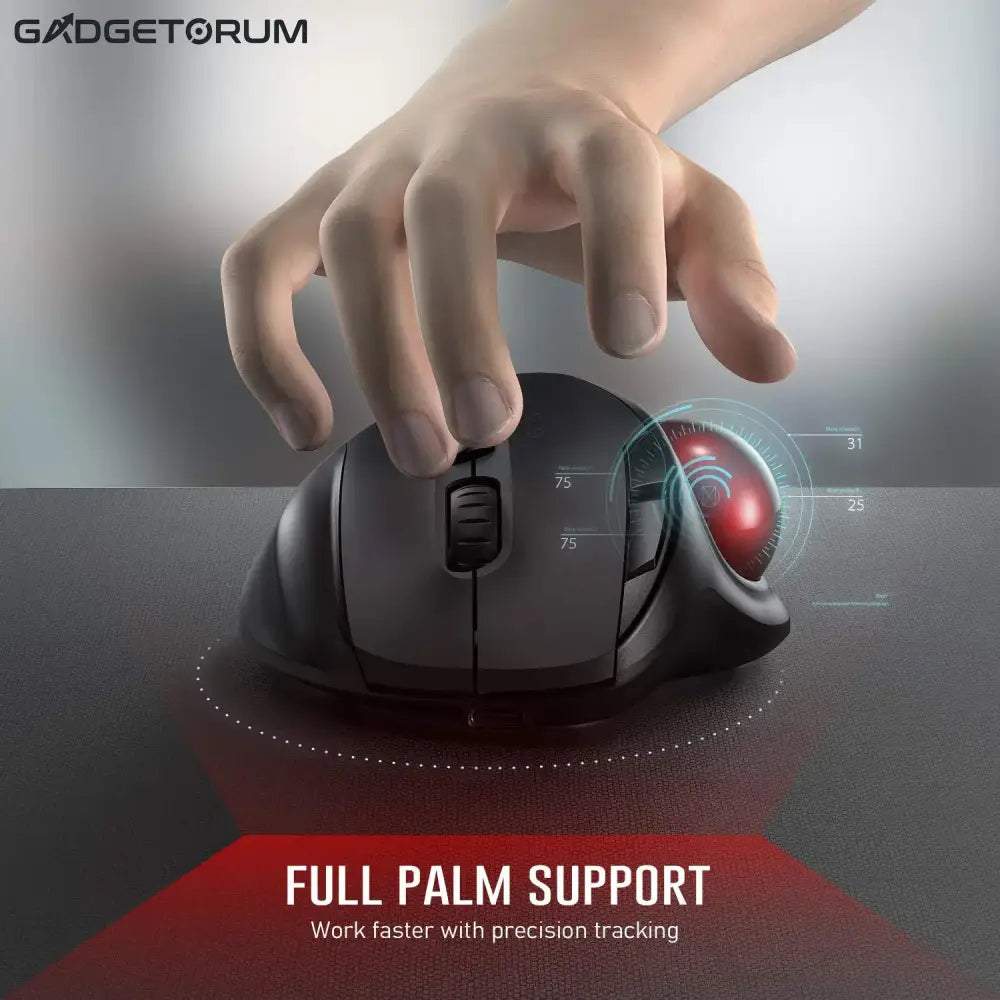
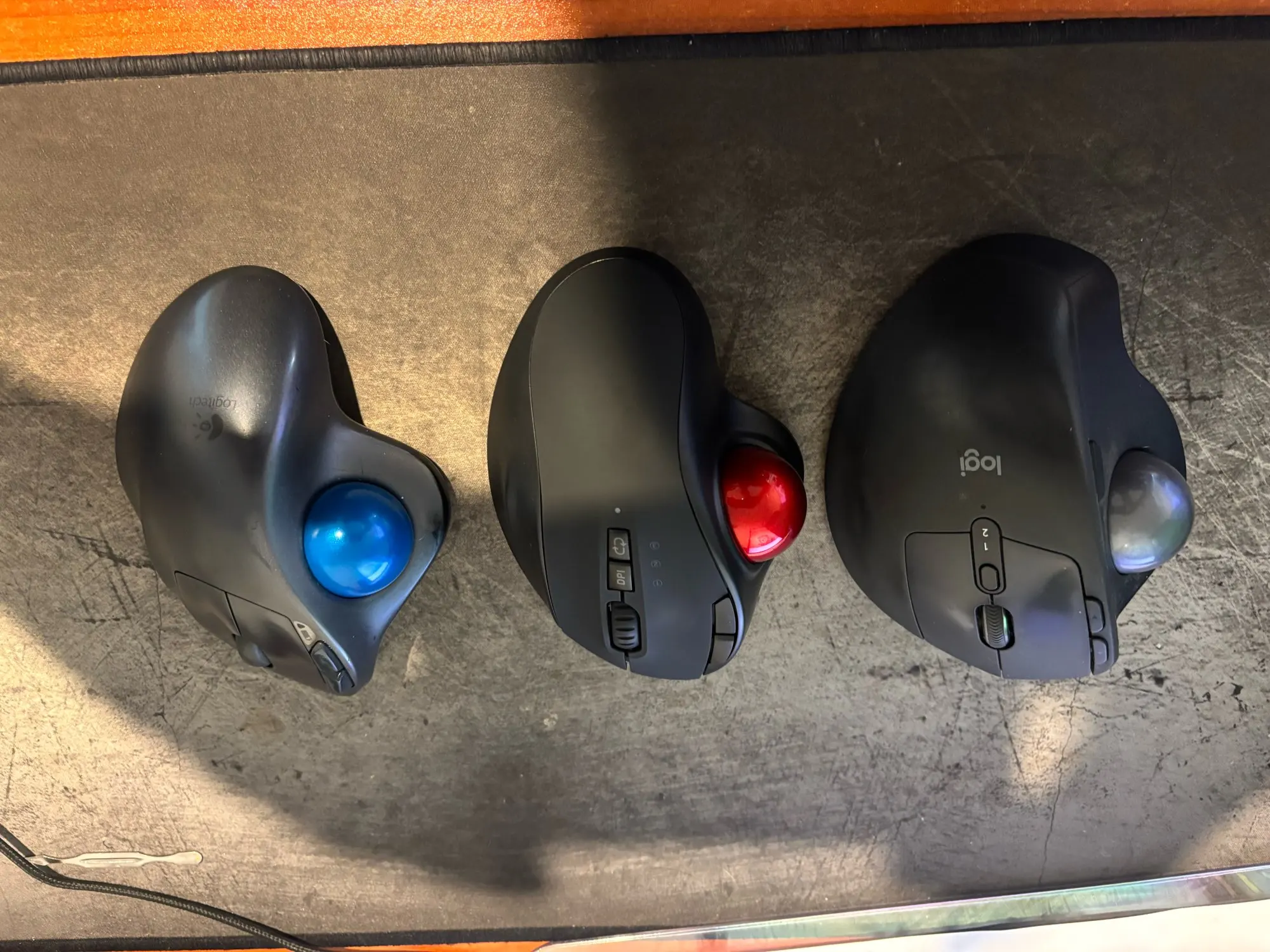
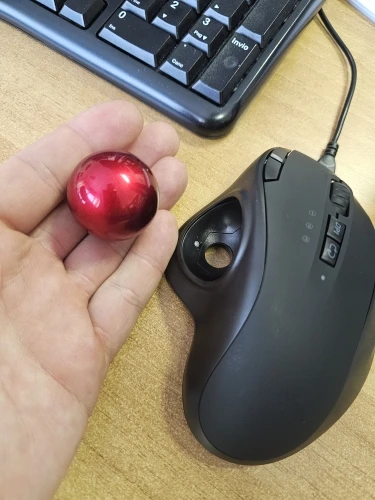
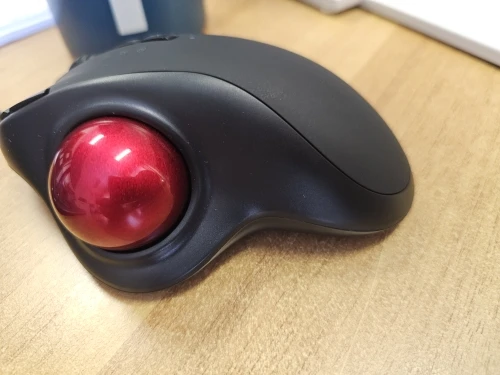
Do you end your days with a sore wrist or a tense shoulder? It's time to change the way you work. With this Ergonomic Trackball Mouse, your arm stays still and relaxed: your thumb does all the work. Ideal for small offices and working from home, it combines the comfort of a hand-sculpted shape with the power of a multi-monitor wireless connection. Move the cursor, not the mouse.

Regular price €52,23
Regular price €52,23 Sale price €0,00
Économisez Sold out
Gray

Low stock

Livraison suivie Livraison suivie
Retours faciles Retours faciles
Paiement sécurisé Paiement 100% sécurisé
  • Visa
  • Mastercard
  • American Express
  • Apple Pay
  • Google Pay
  • PayPal
  • Shop Pay
  • Klarna
View full details

Ergonomic Wireless Trackball Mouse: Anti-Wrist & Carpal Tunnel Pain

Technical information and details

Information

1. The Comfort of Thumb Steering

Unlike a conventional mouse that you have to drag around the desk, this one stays fixed.

  • Zero Fatigue:A smooth control trackball under your thumb lets you navigate your screens without moving your arm. This immediately relieves tension in your shoulder and wrist.
  • Space saving:Perfect for cluttered offices, train tray tables, or cafes. It works on all surfaces: glass, wood, and even your sofa or leg!

2. Universal Connectivity (3 Devices)

Manage your entire digital ecosystem with a single mouse.

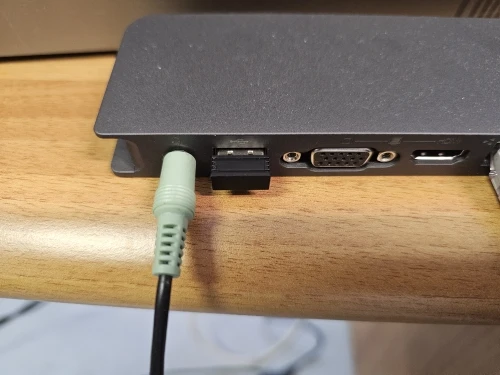
  • Tri-Mode Technology:Connect up to 3 devices simultaneously (1 via the included 2.4G USB dongle + 2 via Bluetooth).
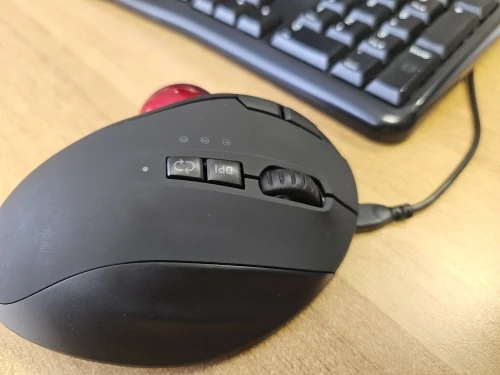
  • Instant Switch:Switch seamlessly between your laptop, tablet, or desktop PC with a single click of the dedicated button. Compatible with Windows, Mac, Android, and iPadOS.

3. Silence and Precision

  • Silent Clicks:The left and right buttons are equipped with soft-click switches that reduce noise by 90%. Work late into the evening or in an open-plan office without disturbing anyone.
  • Adjustable DPI:A central button allows you to change the cursor sensitivity on the fly (Adjustable Levels) to switch from quick navigation to precise photo editing work.

4. Long-lasting rechargeable battery

Forget the hassle of AA batteries.

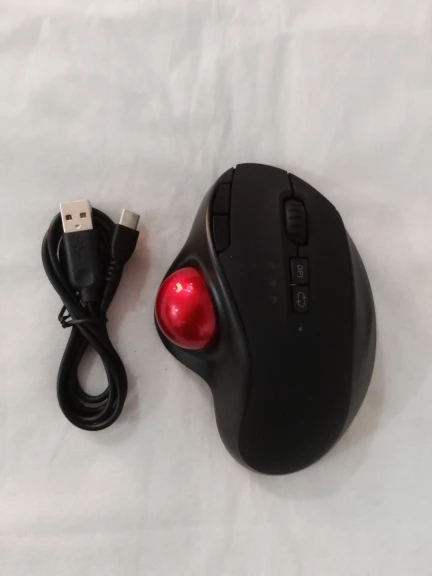
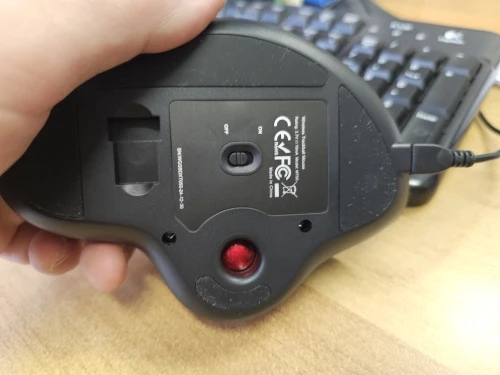
  • USB-C charging:Equipped with an integrated Lithium battery (600mAh), it recharges quickly with the supplied cable (modern USB-C).
  • Long Battery Life:A single charge provides up to 1 month of use (depending on usage).

Technical details

Technical Specifications

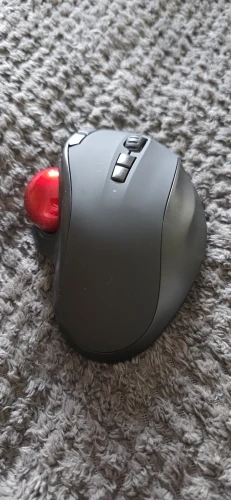
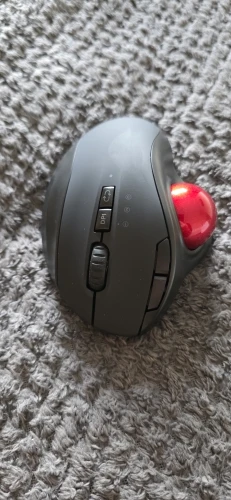
  • Control Type:Trackball operated by the thumb (Right-handed).
  • Connection:Wireless Tri-Mode (Bluetooth 4.0 / Bluetooth 5.0 / RF 2.4GHz).
  • Battery :Lithium 600mAh Rechargeable (USB-C cable included).
  • Sensitivity (DPI):3 Adjustable Levels (e.g. 1000 / 1600 / 2400) for tailored precision.
  • Number of Buttons:5 buttons (Left/Right Click, Scroll Wheel, Previous/Next) + 1 DPI button.
  • Compatibility:Windows (8/10/11), macOS, Android, iPadOS.
  • Dimensions:“Palm Grip” ergonomics (~13.4 x 9.6 x 4.8 cm).
  • Weight :Approx. 135g (Stable on the desk).
  • Special feature:Silent click buttons.

Is this mouse compatible with a MacBook or an iPad?

Absolutely. Thanks to its dual Bluetooth connection, it pairs natively with MacBooks and iPads without the need for a USB dongle. The main buttons and scroll wheel work perfectly.

Is it difficult to get used to a trackball mouse if you've never used one before?

This is a common concern, but adaptation is very quick. Most users feel comfortable after just one or two days. The hand position remains natural (as with a traditional mouse); only the thumb learns a new movement, which quickly becomes intuitive and very relaxing.

Can it be used while it's charging?
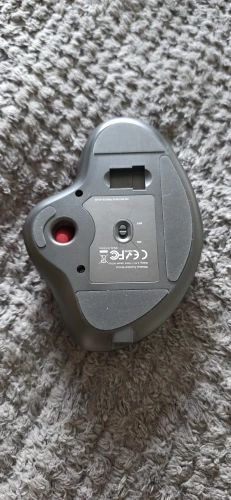
Yes! If the battery is low, simply plug the included USB-C cable into your computer and continue working as you would with a wired mouse while it recharges.